Tasks in the flow
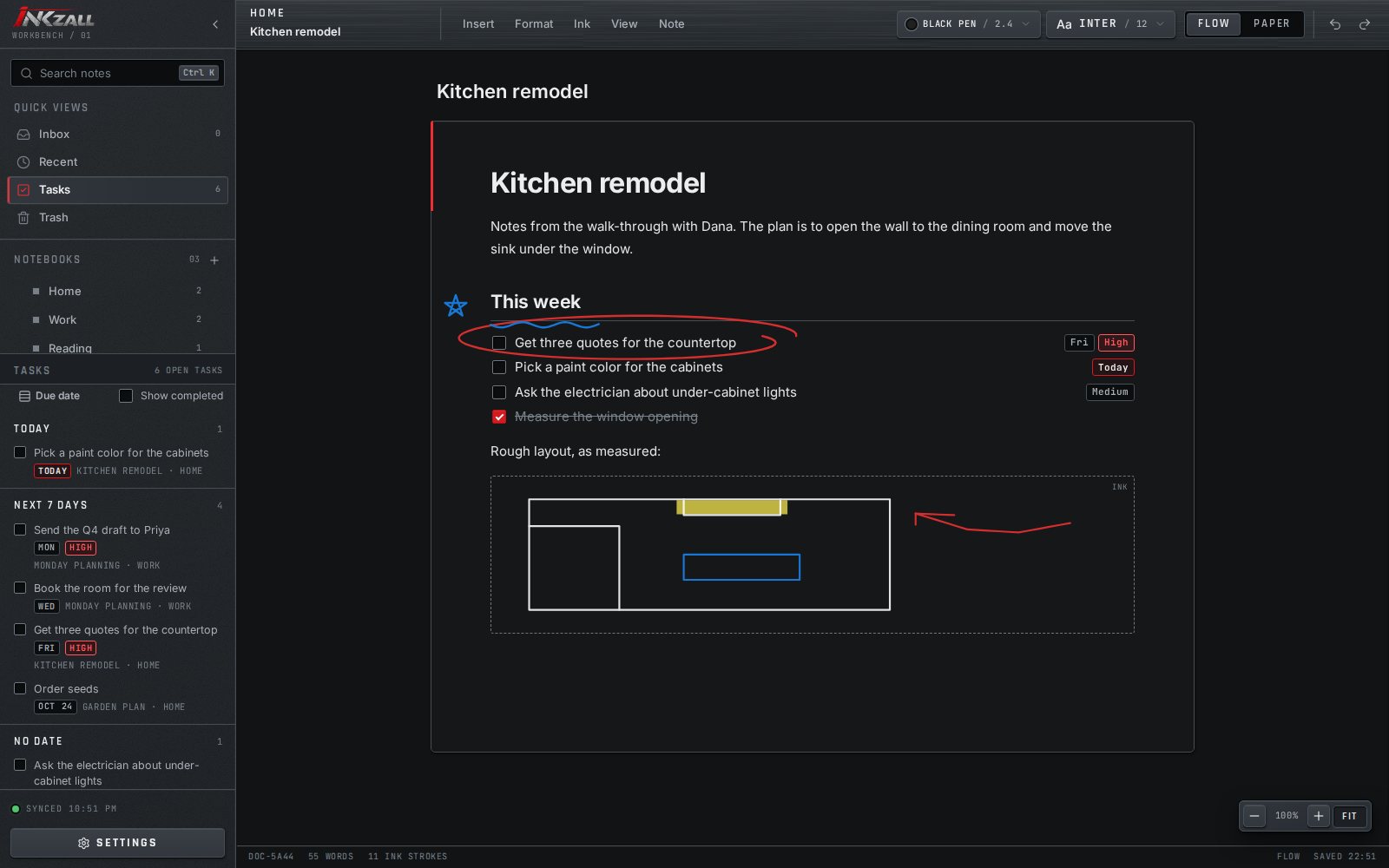
Type [ ] for a task, !1 for priority and @fri for a due date. Every task from every note in one Tasks view.

Pen-first notes
Inkzall is a note app for people who think with a pen. Write by hand and type on the same page, sketch in the margins, and turn lines into tasks. Every note is encrypted on your own device before it syncs.
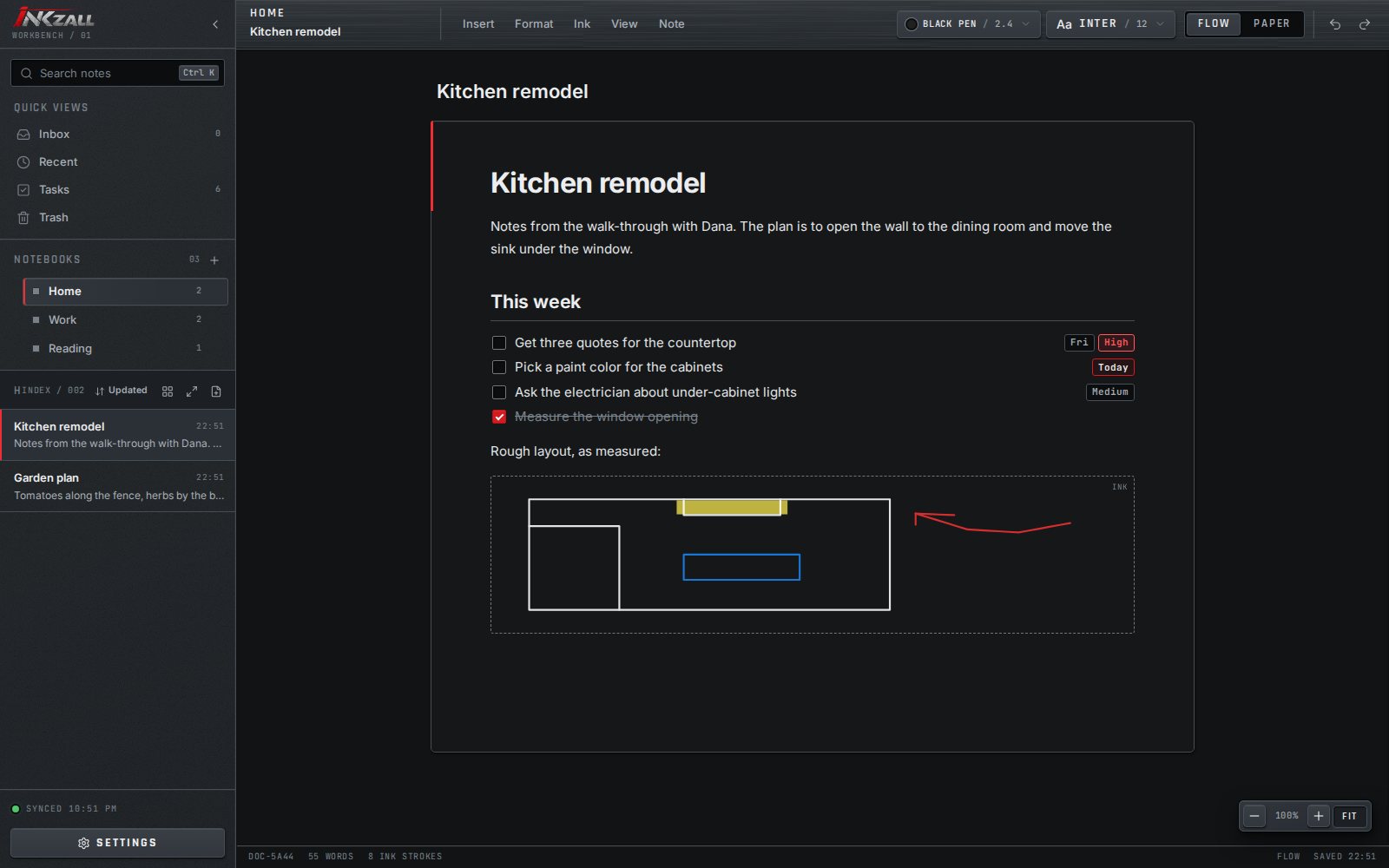
One open page
No boxes to manage and no modes to remember. Type where you want text, pick up the pen where you want ink. Your handwriting stays with the paragraph it belongs to.
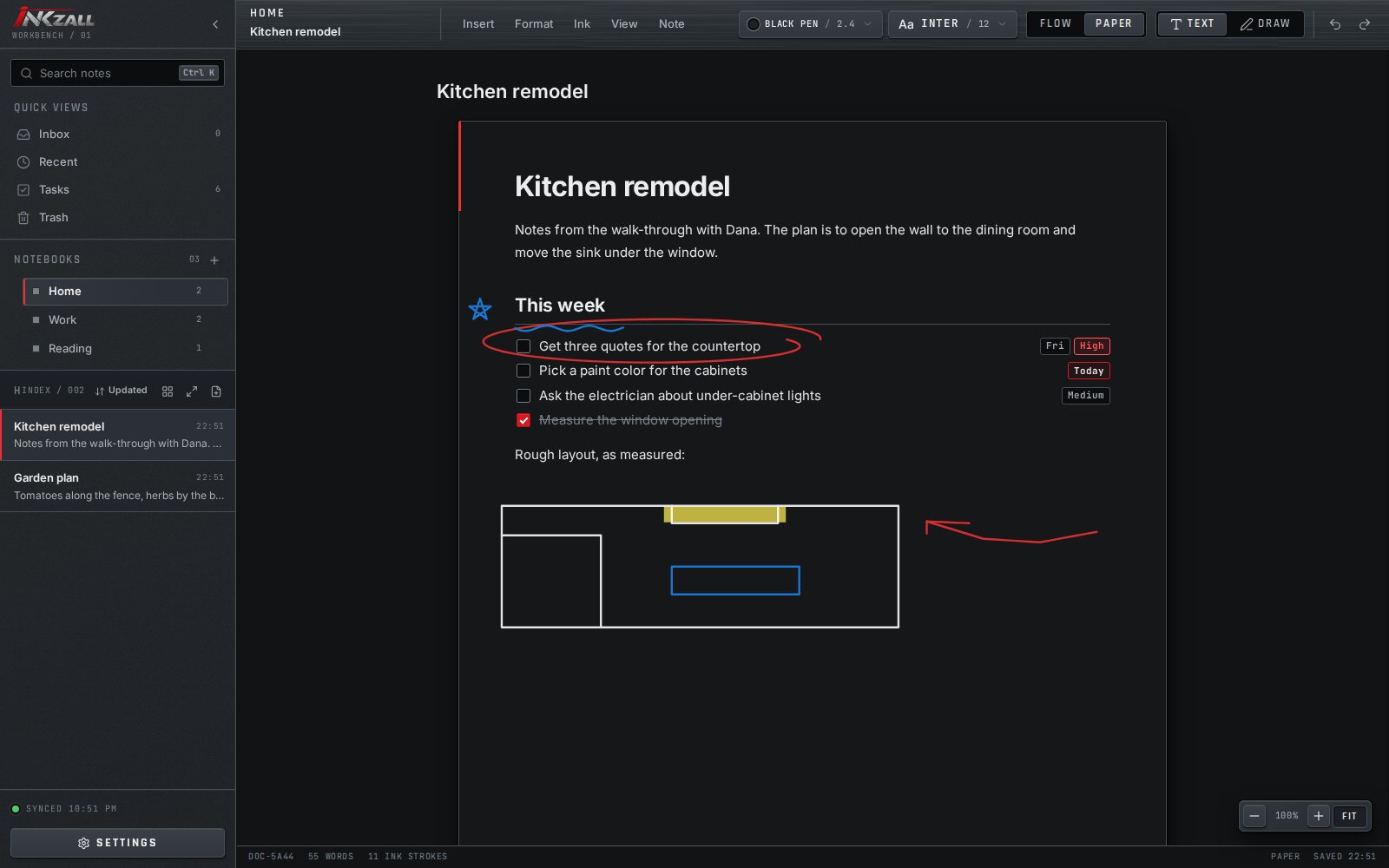
Pressure ink, a highlighter, a quill that runs dry, and an eraser on the S Pen button. Plain, ruled or textured paper.
Circle ink to move, resize or delete it. Hold at the end of a stroke and a rough circle snaps to a clean one.
Headings, lists, tables, code, columns and pictures. Fonts and colors, spell check, and a / menu for everything.
Everyday work
Type [ ] for a task, !1 for priority and @fri for a due date. Every task from every note in one Tasks view.
Search titles and text across all your notebooks at once, filter by notebook or tag, and save the searches you repeat.
Link with [[, or pull one note into another with ![[ and edit it in place. Open two notes side by side.
Notebooks inside notebooks, colors, pins, tags, grid or list. Templates for the notes you start every week.
Import Word, PDF, Markdown, spreadsheets and more as notes. Export everything, pictures included, whenever you like.
Version history for every note, a Trash with undo, and nightly backups on the server.
Private by design
Your notes, ink, pictures and files are encrypted on your device. The server stores locked data and passes it between your devices. When you sign up, choose who holds the key: End-to-end, where only your passphrase or recovery words open it, or Basic, where the server keeps a sealed spare key so a forgotten passphrase can be reset.
The details are in plain words on the Privacy page. Nothing is sold, rented or shared.
Everywhere you write
Your notes live on each device first, so they open instantly and work with no signal. Changes sync the moment you're back online. Inkzall works in the browser today; apps for tablets and phones are coming soon.
Any modern browser. Install it as an app for its own window, keyboard shortcuts and a quick-note hotkey.
An Android app for pen tablets, with a native ink layer for the S Pen: low lag, palm rejection, and the side button. Until then, use your tablet's browser.
An app laid out for one hand, for checking tasks, jotting a line or finding that note in the parking lot. Your phone's browser works today.
17 themes, from Industrial graphite to Parchment, plus an E-ink theme for paper-like screens.

Making an account is free. Choose End-to-end or Basic when you sign up, and switch any time.